




Prisma Browser for Business

The Secure Workspace
for Small Business

One place for your team to safely access apps,
use AI tools, and streamline their work

Work now lives in the browser.

Business apps, AI tools, and sensitive data come together there every day. But traditional browsers were built for browsing, not for running a business.

85%

of your team’s workday happens in the browser. ¹

95%

of businesses report attacks in the browser. ²

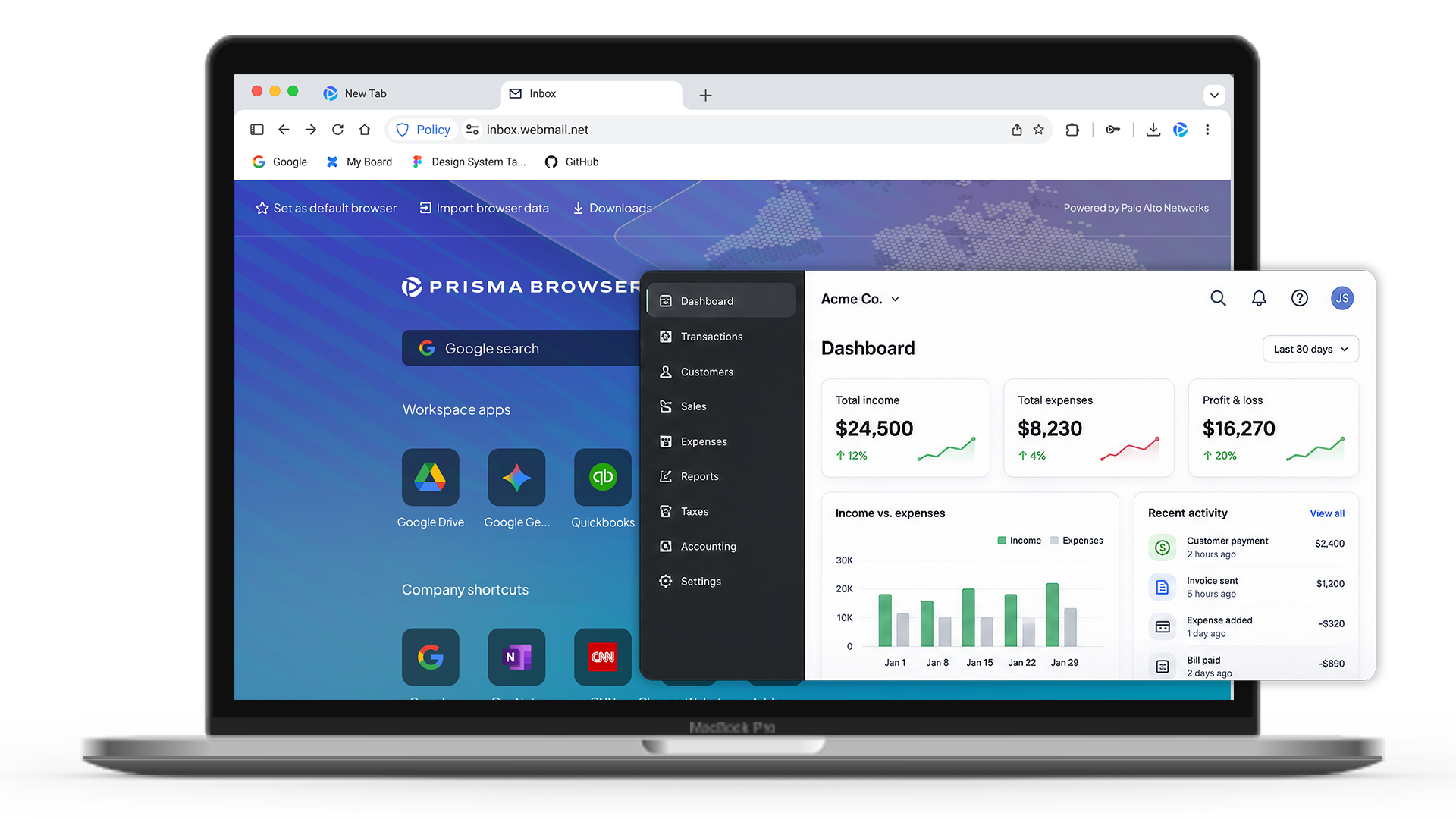
Everything your team needs to work.

Protection built in.

Powered by enterprise-grade security that protects 70,000 of the world's largest organizations.


Streamline the workspace
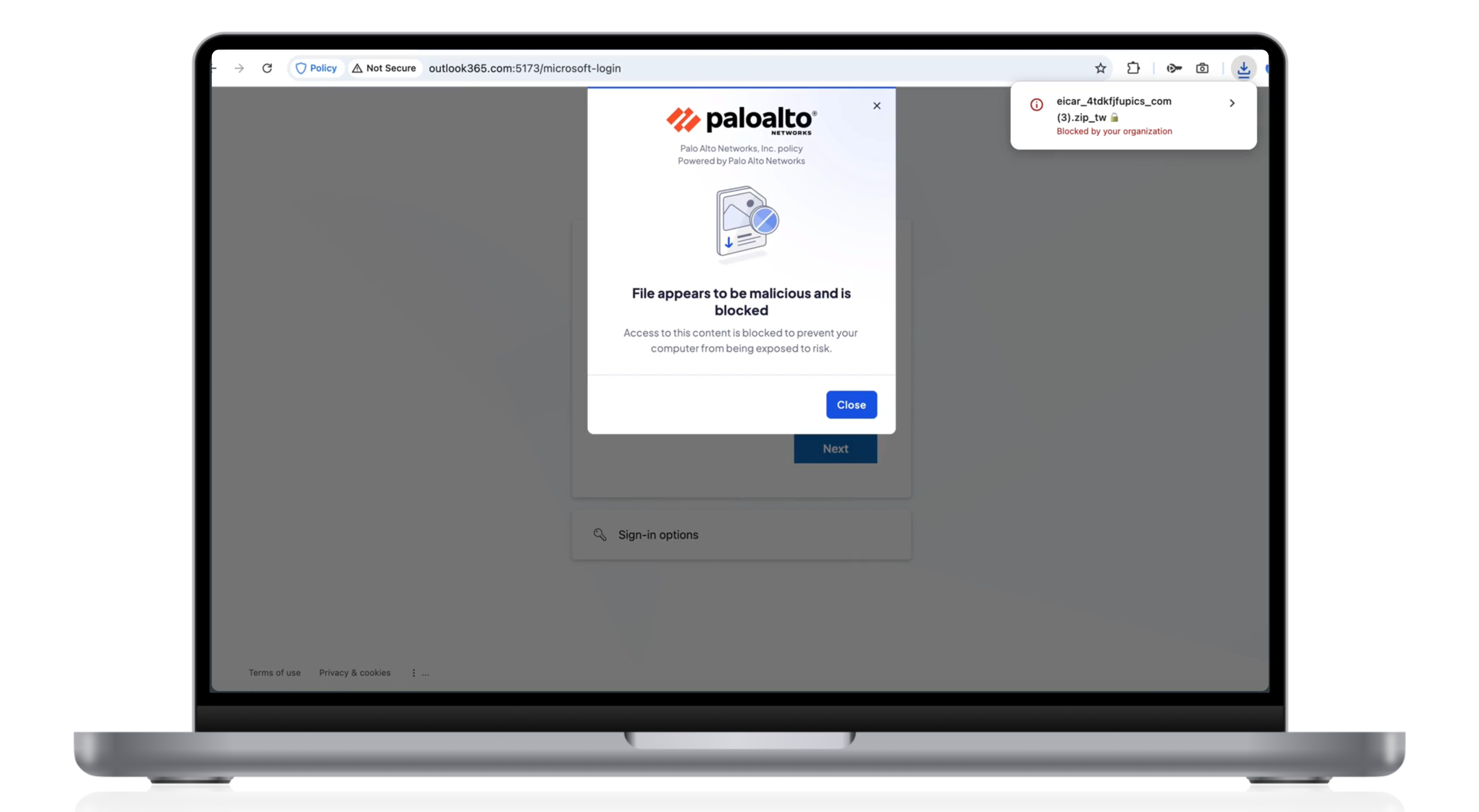
Stop cyber threats before they shut down your business
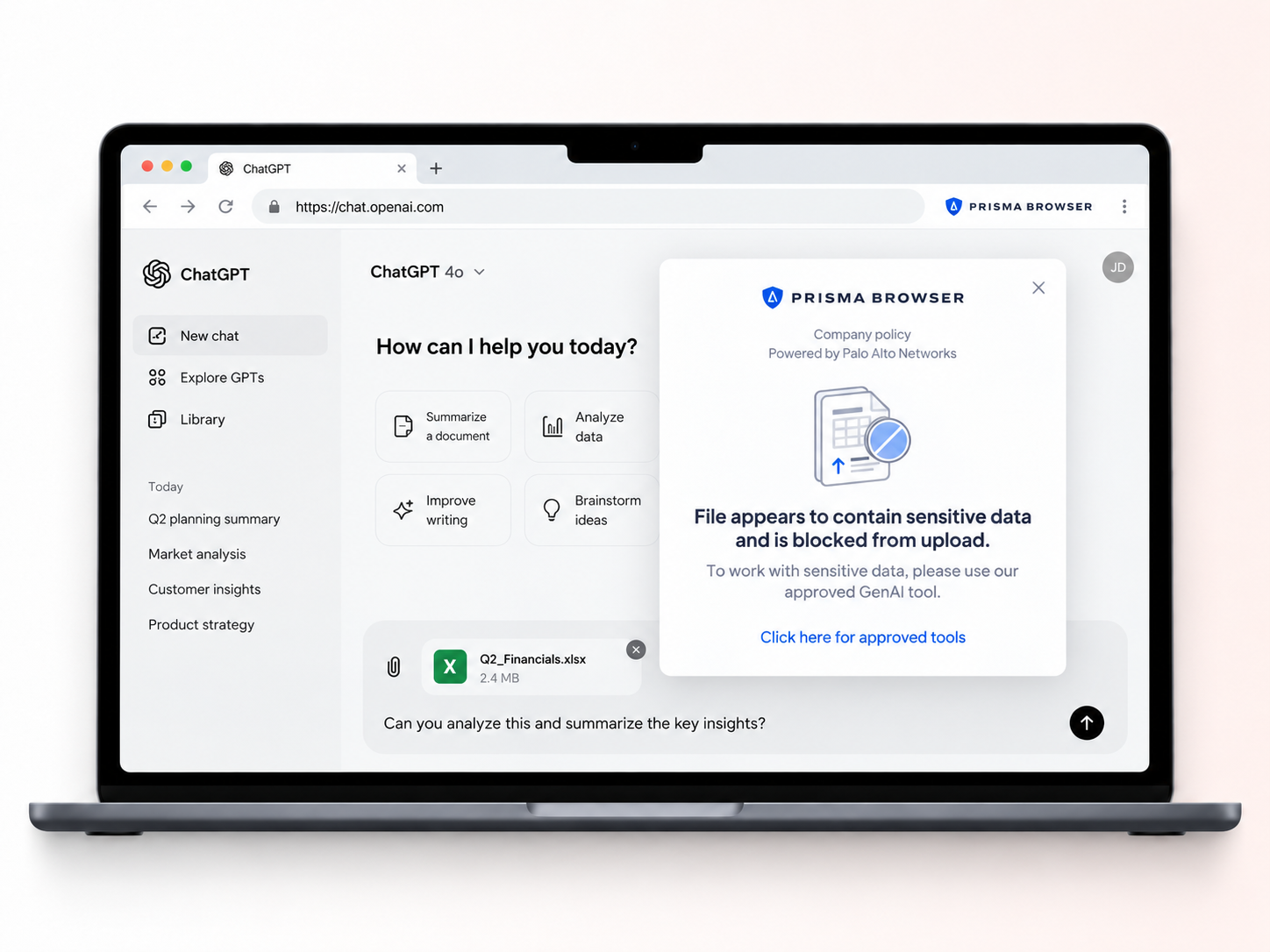
Empower your employees to use AI securely and safely

Secure your small business with simple, flexible pricing

Choose monthly or annual billing with straightforward per-user pricing.

Free 14-Day Trial
Save 17%
$99

per user paid annually

$10

per user paid monthly

  • ✓ No long-term contracts
  • ✓ Add or remove users at any time
  • ✓ No minimum seat commitment

See Prisma Browser in action

Walk through the secure workspace, from everyday use and business apps to built-in protection against advanced malware and phishing.

Show Me How It Works
Start Demo

More than a browser.
Protection for the way your business works.

Traditional browsers give your team access to work. Antivirus protects the device.
Prisma Browser protects the workspace where work happens.
Phishing Protection
Users can't bypass security features
—
Real-time AI-powered phishing analysis
—
—
Stops never-before-seen phishing pages
—
—
Completely blocks access to dangerous websites
—
—
No additional configuration needed
—
—
Block broad categories of inappropriate websites
—
—
Malware Security
Scans for malware before it is on the device
—
—
Real-time advanced malware scanning
—
Scans all file types (.PDF, .DOC, .ZIP, MS Office Files, .ISO)
—
Stops malware before it reaches the device
—
—
Controls extensions being installed
—
Privacy and Data Handling
No collection of user data, including account details, behavior data, etc.
—
User action controls (copy/paste, file upload)
—
—
Management Console
Active security policies out-of-the-box
—
—
Industry-tailored policy recommendations
—
—
Easy-to-use AI agent policy commands
—
—

Built for businesses that handle
sensitive information

Finance

Finance

Protect financial records, payment data, customer PII, and access to QuickBooks, online banking, and daily finance apps.

Healthcare

Healthcare

Protect patient records, PHI, and healthcare data across EHR platforms, web apps, HIPAA workflows, and AI tools.

High Tech

Technology & Startups

Protect source code, credentials, IP, and customer data across developer tools, SaaS platforms, cloud tools, and Gen AI.

Legal

Legal & Professional

Protect client files, privileged data, matter information, and business accounts across legal apps, web apps, and GenAI.


Resources

Frequently asked questions

Prisma Browser for Business is a secure workspace designed for small businesses. It secures the apps and AI tools your team relies on, blocks phishing, scams, and malware, and helps prevent sensitive business information from being leaked or shared unintentionally. It’s easy to use and brings enterprise-grade security to small businesses without requiring a dedicated IT team.
Not at all. Prisma Browser is ready to use out of the box with pre-configured security settings. You can set up your whole team in minutes via email—no technical expertise needed.
Data can be exposed when employees accidentally share it—like pasting confidential info into public generative AI tools like ChatGPT, uploading files to personal cloud accounts, or sending them via personal email. These actions can harm your reputation and violate compliance laws and regulations.
Cybercriminals target businesses of all sizes. Small businesses are seen as the easier targets and more vulnerable because they often lack strong security measures.
Security helps protect your revenue, customers, and reputation.
Employees spend 85% of their work day in a browser, making it a top target for attacks. 95% of security incidents start in the browser, typically from phishing, ransomware or malware. Securing it protects your business where your team works every day.